
Devlog: January 28, 2026
SavePoint
- I plan to use and refine the ideas given by AI + my own ideas to create a more specific timeline/goals and plan to update the Notion
- I also will start looking at Figma dashboard templates and try to create something
- I realized that there is no shame in understanding that you don’t know how to do something, so I will use a template and modify it, like how I originally made SavePoint web’s design
- I need to split the business UI into 3 distinct groups:
- The Dashboard
- The Inventory Management System
- The POS System
Inventory Management System
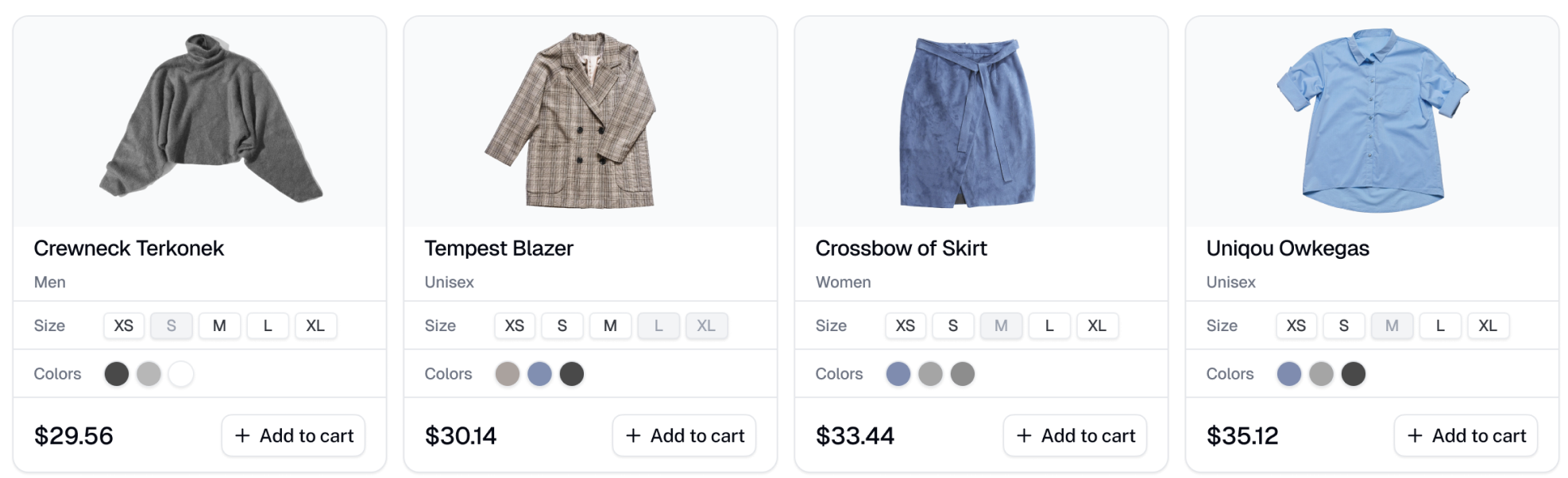
- Display each platform as a different inventory item (i.e. separate item for Persona 5 on PS5 vs PS4)
- Each inventory item displays the number of products it has in each condition as badges
- Separate button to edit and delete
- Click to expand, it drops down. Each row of the dropdown shows each condition item with extra details (notes, thumbnail picture). Click to expand and show details
- Separate button to edit and delete
- Make the view and edit into modals
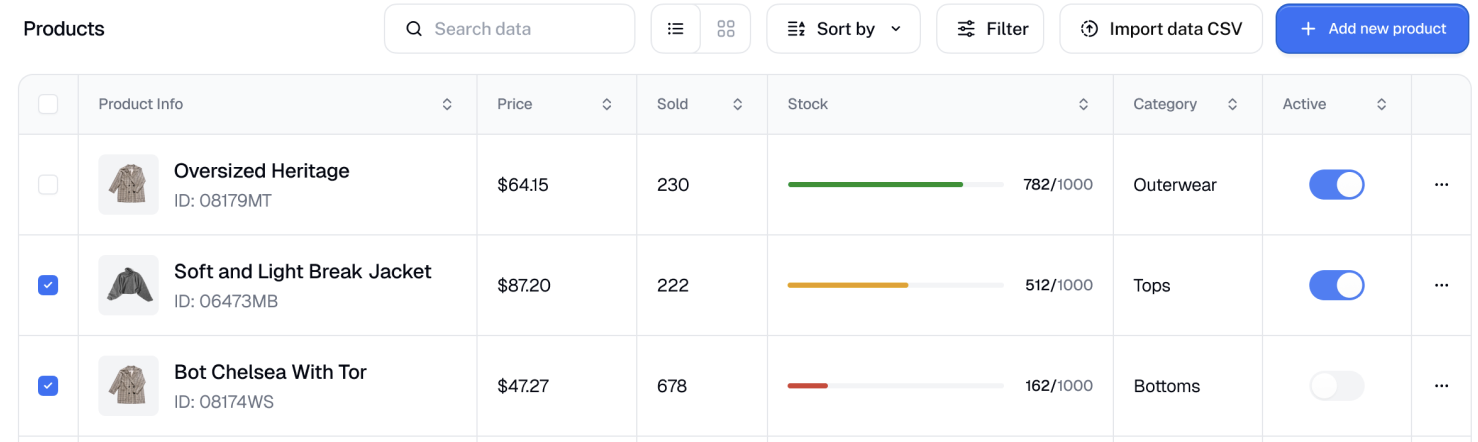
- Functionality
- Create, update, delete inventory
- View inventory
- Search through inventory (via name and codes)
- Components
InventoryInventorySub- View/Edit modal
- Inventory needs these properties:
IdDtcDtuGameName
- Inventory item needs these properties:
IdDtuDtcInventoryIdPlatformCodesQuantityNoteImages[]Condition(CIB, New, Used?)
POS
- Three modes: Sell, Trade-in (Buy), Return
- Each scanned/inputted item is displayed with the expanded inventory card (the subcard which shows more details)
- Seen in Buy and Return
- Trade-In needs to have a pop-up to quickly input details (game, platform, condition) and get estimates
- After trade-in goes through, a second pop-up should appear to add more details (notes, images, etc.)
- All transactions should be saved/stored
- Save as some sort of record (good for receipts)
- Functionality
- Add, update, remove inventory in cart
- Calculate price (quantity, taxes)
- Automatically add/remove stock (Sell/Buy/Return)
- Save transactions (for history + receipt)
- Components
- Cart view
- Product search
- Product edit/update
Dashboard
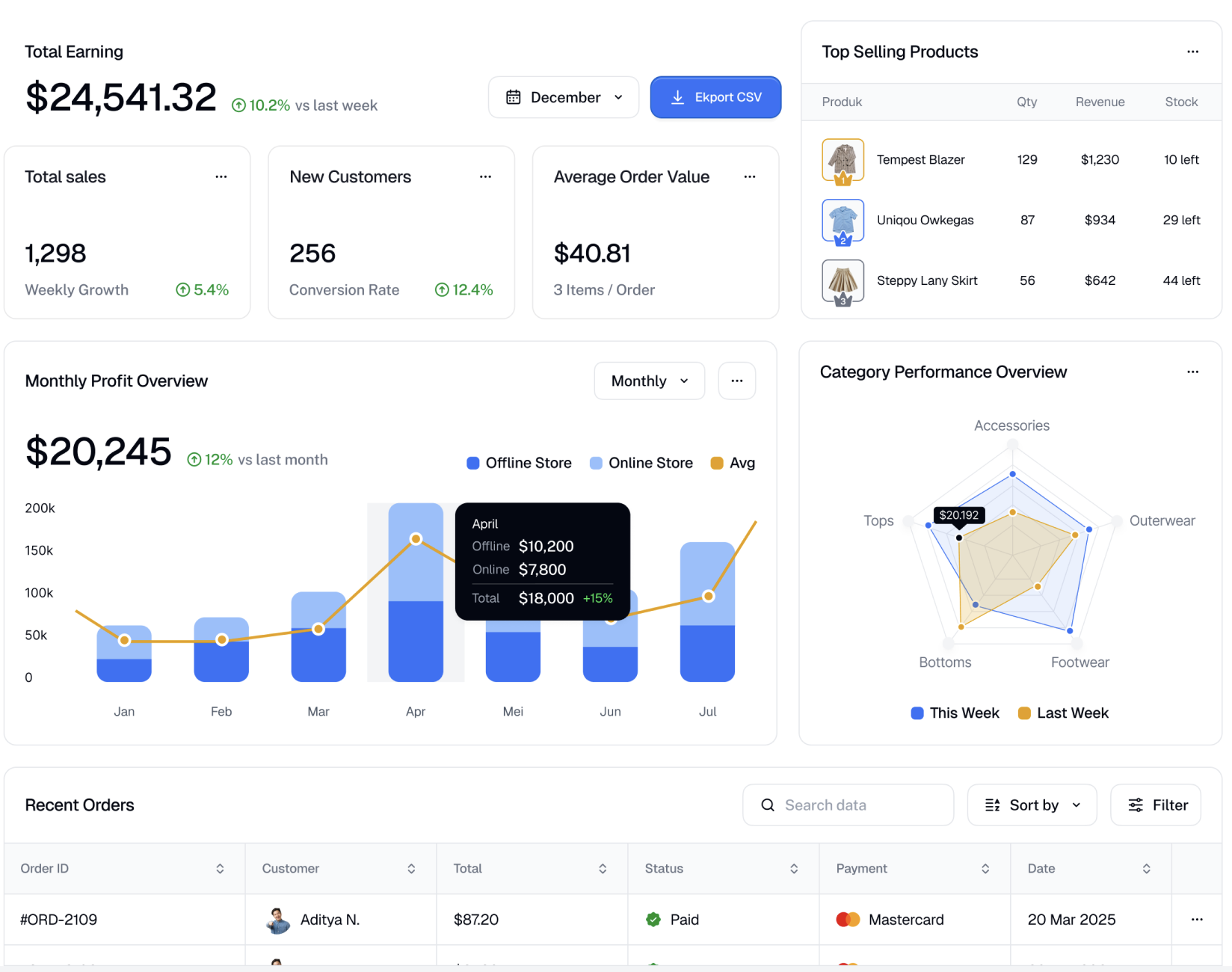
- Display total earnings, sales, customers, average order value, top selling products, chart for monthly profit, recent orders